
This article outlines how to set up a CRM integration.
Openn has integrated with multiple CRMs to facilitate property uploading.
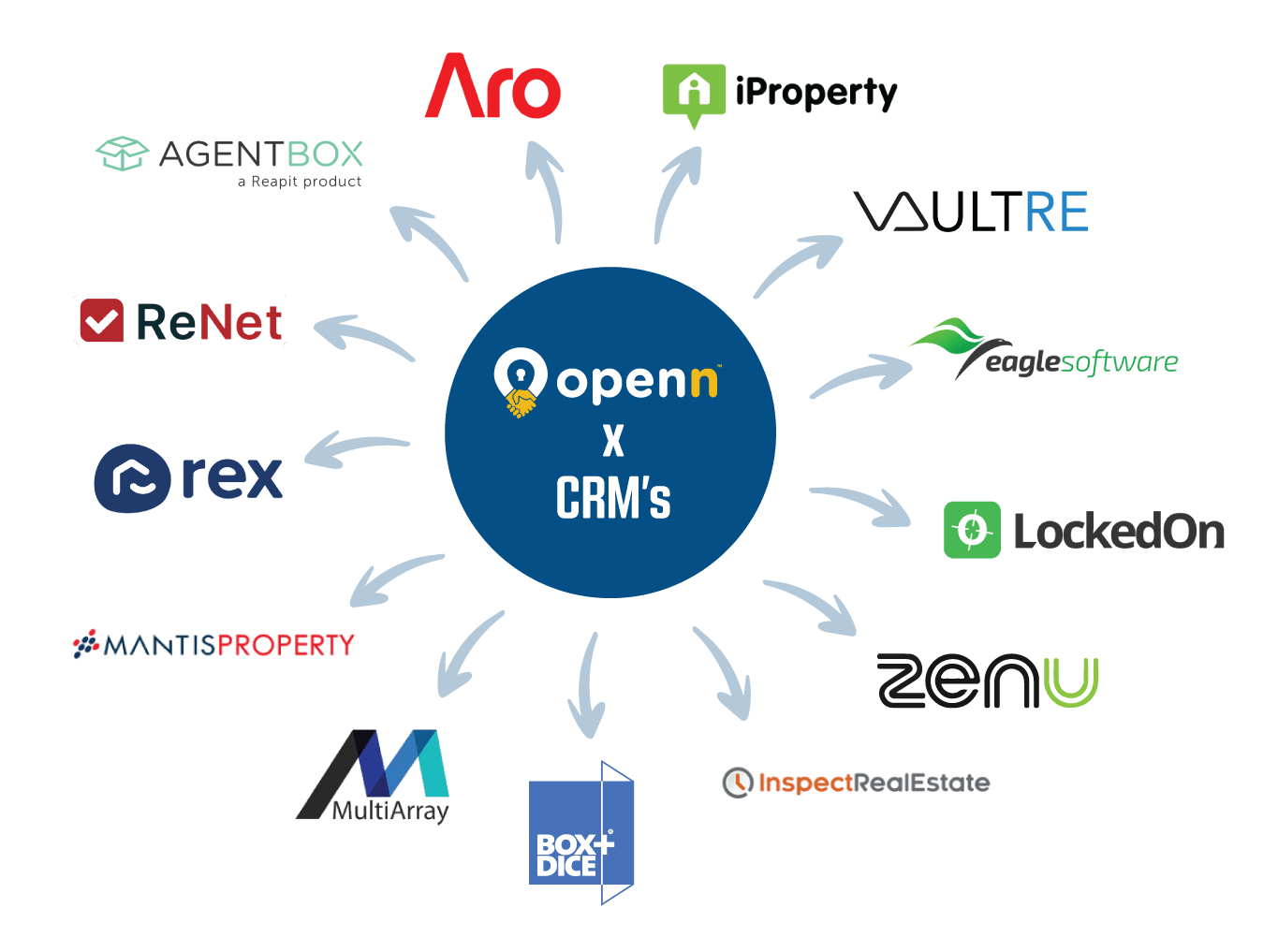
Openn Users need to contact support with their CRM information and Openn unique ID to request integration, and once completed, Agency's can feed property information to Openn via their CRM.
Please complete the following form as a General Enquiry, noting:
- Your CRM name
- Your UNIQUE ID from the Openn App (if known)
- The name and email of the Licencee or Principal of your office
After creating a property on Openn through your CRM, on the Openn platform you must edit it, add Openn-specific information such as reserve, Final Bidding/Offer Stage date, and Seller details, and then pay and launch the listing.