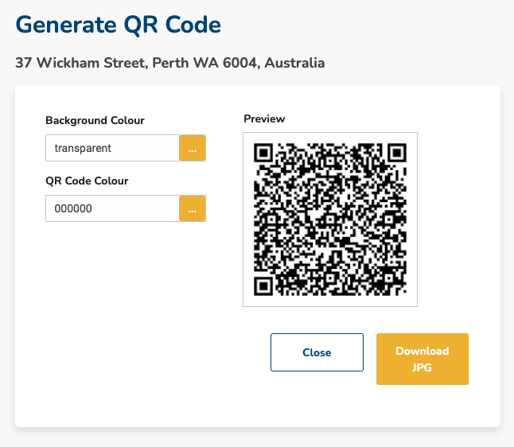
This article describes how to generate a QR code that directs buyers directly to your property listing on Openn
To ensure maximum readability, it is recommended to choose high-contrast colours when customising the colour of your QR code, as low contrast selections may pose difficulties for older devices to read the code.
Generate a QR code
- Select Manage and Generate QR Code
- Update the colours as desired and download the JPG for use in your marketing materials